Showing posts with label unbrick. Show all posts

11.22.2012

Improvised Unbrick Tool for the Optimus 2X


Now we have an improvised unbrick tool for Optimus 2X. This tool is somewhat similar to the USB jig method of most of the Samsung devices. 
 This tool is based off of prior efforts, such as this tool by XDA Senior Member Homero2. XDA Forum Member ProgMag has improved previous efforts by including a number of features. As ProgMag explains:
The main advantage of this tool over other tools is that in this case factory misc and lgdrg partitions are included.
The tool includes useful tools such as NVFlash, and the associated ROM and recovery files. 

How to use this tool
To use this tool, you must have installed drivers nVFlash, which of course are included.
Once installed, you only need to click on "flash.bat" and follow the instructions.

 Afterward, users will have a fully functional device with ClockworkMod Recovery and a clean slate to go flashing again. Interestingly enough, the ROM included actually isn’t factory stock. It’s a CM10 nightly from November 5th. So those who want some AOSP goodness after unbricking will actually get it. Also added is CWM 6.0.1.5. as a recovery partition.

Download link

Credits

- NVidia for NvFlash tool.
- CyanogenMod for the best great ROM
- Paul@modaco for giving first NVflash rom as base to use and learn.

Thread link

5.13.2012

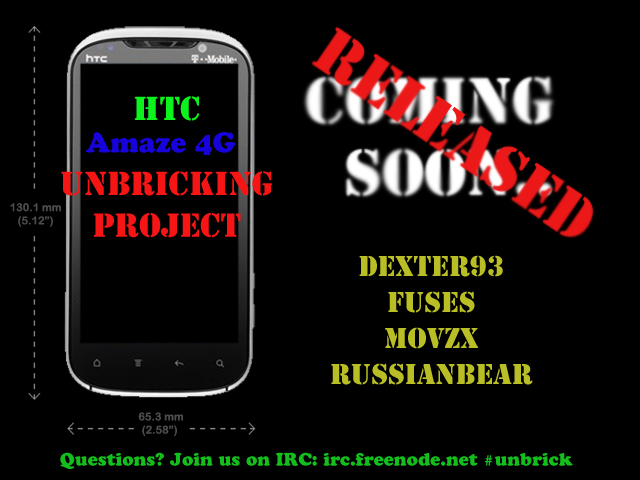
HTC Unbricking project delivers final release


A fully functional method to restore HTC device such as the HTC Amaze 4G, EVO 3D, MyTouch 4G Slide, Sensation, and the Vivid/Raider/Velocity from a full brick is finally released. This release boosts up the confidence of users while performing  potentially risky tasks such as HBoot updates, ROM flashes, or turning S On.
XDA Senior Member dexter93, along with a host of other developers, has finally released this project after several months of beta testing and waiting. This is great news for many HTC users who have bricked devices under certain circumstances, and is much better news for users who unintentionally—or even intentionally—brick theirs in the future.


The method is little bit complicated and requires some things at the user side.
Other Requirements
Linux-based computer
Most up to date RUU for your device
Finally, the most important of all, according to dexter93 is as folllows:
a device bricked by writing security flag 3 with an unsigned hboot, or caused by a damaged hboot via interrupted OTA update/RUU flash on a S-ON device
In other words, this will not work for all kinds of bricks. Rather it will only work for devices bricked by setting S On with an unsigned HBoot or if your HBoot was somehow damaged. While this unfortunately doesn’t help those who may have bricked their devices through other means, it will undoubtedly help many previously helpless users. It should be mentioned, though, that dexter93 and crew are looking to find way to fix other bricks as well.
For all the information such as download links, screen shots, the full instructions, and discussion, head over to the appropriate thread:


Related Posts Plugin for WordPress, Blogger...